
Getting started
You need a PS5 or PS4 running Gran Turismo 7, and a Windows PC or Mac on the same network. There is nothing to set up on the console: GT7 broadcasts what it is doing over your network automatically, and GT Coach listens for it.
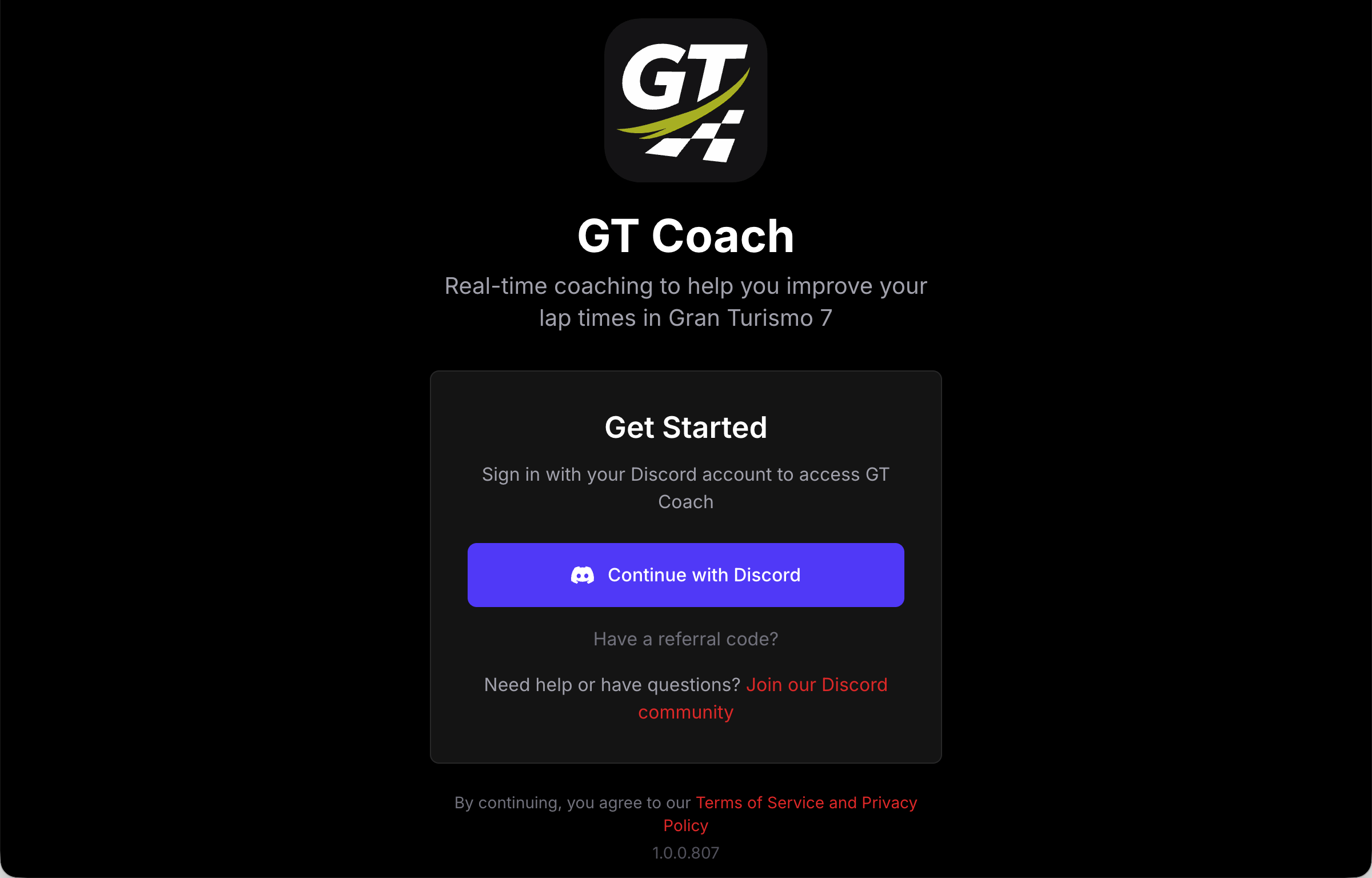
- Download GT Coach for Windows or macOS and install it.
- Sign in with Discord. Don’t forget your referral code if you have one, to unlock 2 extra weeks of Pro.
- Launch GT7 on your console.
- Pick one of this week’s coaching sessions.
- Press START/CONTINUE PRACTICE.
- The app shows Ready when you are and waits for you to start the race in GT7.
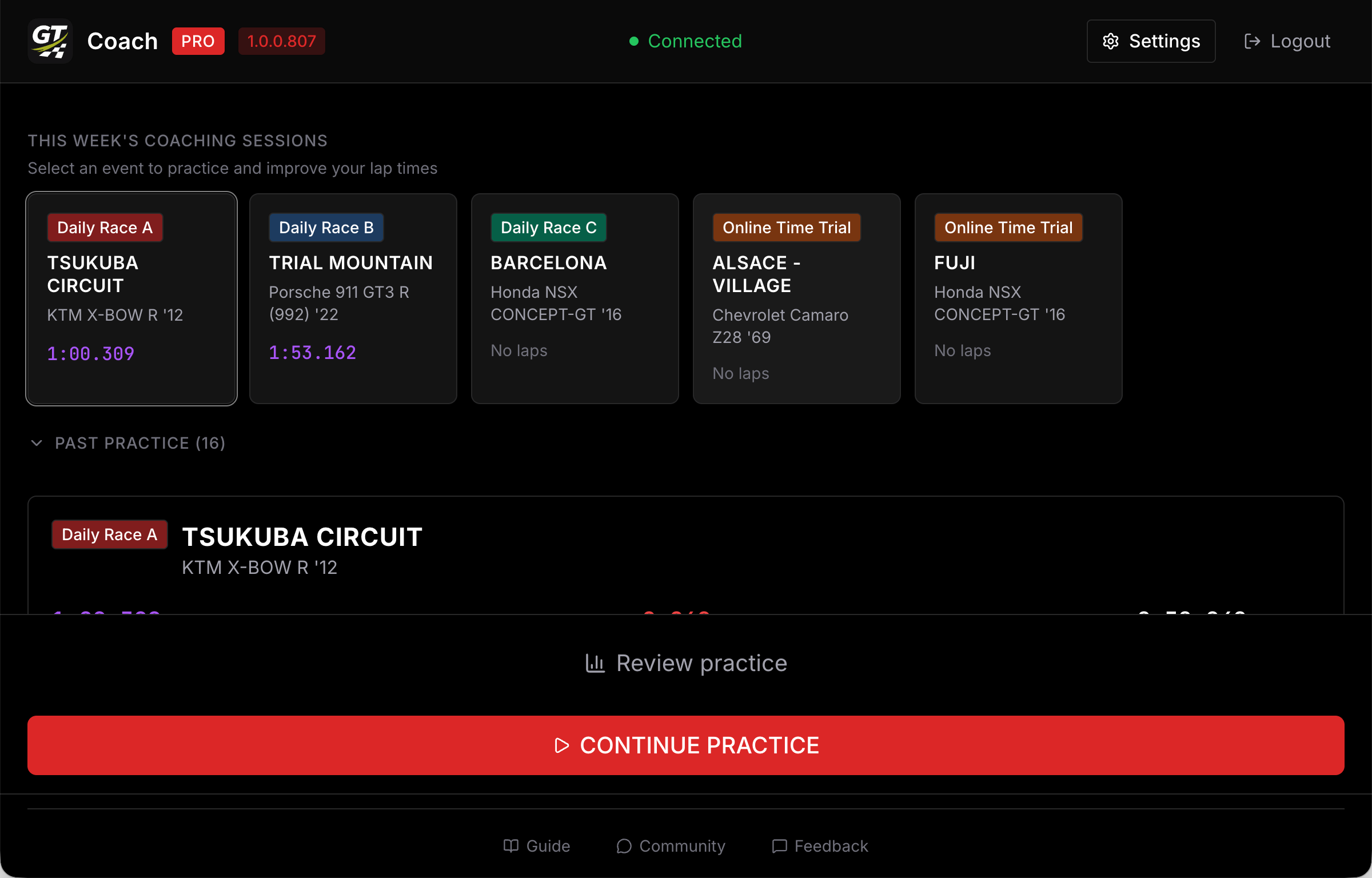
It’s best to start the practice before starting the race in GT7 instead of starting the practice mid-lap. That way, GT Coach can coach you right from the beginning. You can restart your current race within GT7: GT Coach automatically detects a new stint. Exiting the race from within GT7 ends your current practice in GT Coach and saves your progress.
If the Start button will not let you start
Section titled “If the Start button will not let you start”| The button says | What it means |
|---|---|
| LAUNCH GT7 TO START | GT Coach cannot hear your console. See Console not connecting. |
| WARMING UP… | The coaching voice is loading. Your first launch downloads it, so it takes longer than later ones. |
| UPDATE REQUIRED | Your app version is too old. Install the current one from gtcoach.app. |
| VOICE UNAVAILABLE | The audio backend could not start, and coaching would be silent. See the troubleshooting steps in Voice unavailable. |